07. Command
What's Behind a Slash: Commands, Output Contracts, and Flow Design
The last post left two threads dangling: one, that slash-command triggering has a real risk of getting silently swallowed; two, that there's an output contract behind every command worth thinking through carefully. This post takes both apart, one at a time.
🪧 The Core Idea: That Slash Isn't as Mysterious as It Looks
Let's demystify this first. When I first ran into Claude Code's whole set of slash commands, it looked genuinely impressive — so many of them, each looking so purpose-built, that after years of using various dev tools, I half-assumed there was some elaborate parsing engine behind every /xxx.
But dig in, and it's nowhere near that complicated. A slash command is, at its core, just "a pre-written sentence." Type /polish, and as far as the system is concerned, it's no different from you manually typing out "please help me polish this passage — tighten the word choice, adjust the pacing, cut the redundancy." Both are just a prompt sent to the model — one's just pre-written for you and saved as a shortcut, so you don't have to retype it every time.
That's it. But precisely because it's "just a sentence," you have to think about who catches it and how. Sounds simple, but the actual implementation has a few real gotchas. Let's look at how Claude Code and the SDK handle this sentence first, then walk through what I hit while customizing it.
🔩 Claude Code: Built-in Commands Ship Out of the Box, and "Custom Commands" Are Already Skills
Claude Code splits commands into two categories.
One is built-in commands — /compact (compact context), /clear (clear), /context (view current context), /usage (view usage). These work out of the box; the CLI recognizes them natively.
The other is custom commands. Their original format was a markdown file under .claude/commands/, with some config at the top of the file (which tools are allowed, which model to use, parameter hints) and the pre-written sentence as the body.
💡 This older
.claude/commands/format is already marked deprecated by the official docs, in favor of unifying everything under SKILL.md. One SKILL.md file supports both "the user explicitly summons it with/name" and "the model calls it autonomously based on intent."
Which means in SmartWriter, "command" and "Skill" are literally the same thing — the custom /polish, /research, and similar commands I built for writing are all, underneath, Skills. So the commands in this post can be fully understood as the flip side of last post's Skills: the entry point where a user explicitly summons one.
🛠 The SDK: A Command Is Just a String, Plus One Counterintuitive Fact
At the SDK level, using a command is simple: you send the string /polish exactly like a normal piece of user input. The official docs confirm this — a slash command is just plain text, stuffed into the prompt string and sent. So on the frontend, I built a "Slash Command" menu — pick a command, click, and it sends /polish to the backend, no separate command API involved.
On the configuration side, a command's (Skill's) file header can specify which tools it's allowed to use, which model to run on, and how parameters get filled. There's a genuinely useful design detail here: different commands can run on different models. Something that needs real reasoning, like "research," gets a stronger model; something lighter, like "polish," gets a cheaper one — balancing cost and experience.
Commands can also take arguments. The file header can define an argument hint, and the body catches whatever you type after the command with a placeholder, even letting you reference a specific file directly with @. Say a translation command — type /translate English to Chinese, and "English to Chinese" gets captured as the argument and dropped into the pre-written sentence. So a command isn't "one fixed, hardcoded sentence" — it can be a sentence with a fill-in-the-blank slot, filled at the moment you invoke it.
All of that sounds complete enough. Right when I thought everything was in place and ready to build, I hit the first real problem:
The Python version of the SDK doesn't parse slash commands at all (this is something I found by auditing the SDK source — the official docs never say it explicitly). Whatever gets sent — /polish, say — is passed straight through, untouched, to the actual CLI doing the work underneath, and it's the CLI that decides whether that string is a command or just plain text. Which means whether /polish actually triggers my polish guide is entirely in the CLI's hands — my Python backend can't see it, and can't control it.
So what happens if the CLI doesn't catch it?
🧪 A Real SmartWriter Gotcha: /polish Was Getting Silently "Swallowed" by the CLI
It really didn't catch it. This is the exact issue from earlier — a custom command gets sent, and gets swallowed whole.
🔧 Gotcha ·
/polishfires, then nothing happens at allWhile debugging, I wrote a spike test: send exactly one
/polishand just see what fires. Result: zero token spend, not a single internal turn ran, zero entries in the tool audit log. In other words, the command vanished without a trace — it never even entered the model's work loop.Digging further, it turned out the CLI, on receiving
/polish, treats it as a built-in slash command and tries to match it. But "polish" isn't in its built-in command list (that list only has things like/compact,/clear). No match, and the CLI silently returns nothing — no error, and it doesn't fall back to treating it as plain text for the model either. It just gets "swallowed" whole.A control test made this even clearer: a different command,
/co-author(with a hyphen), wasn't swallowed at all. Because the CLI sees a hyphenated name and doesn't consider it a valid slash command in the first place — so it falls back to treating it as plain text and dutifully passes it straight into the model's work loop. There's something almost darkly funny about it:/polish, which looks more like a real command, gets eaten./co-author, which looks less like one, survives.The fix was to stop trusting the CLI to make this call at all. I added an interception layer in the backend: before anything gets sent to the CLI, strip the prefix off these mode-Skill commands (
/polishand its siblings) myself, and then deterministically do two things — load the matching Skill, and pass the user's intent through as plain text. That way, whether it fires is entirely up to the app side — the CLI's mood no longer matters.
The fix here rhymes with last post's genre-Skill "deterministic injection": the model's autonomous behavior carries real uncertainty, and on critical paths, the app side needs to take control back for itself. This is the third time this exact pattern has shown up in the series (before this: dropping Bash, deterministic genre injection) — it's basically unavoidable when building a vertical product: stay relentlessly wary of anything the model doesn't fully control, and build deterministic backstops matched to your actual business logic. That said, not every command meekly follows the "send a string and hope the CLI catches it" path — /plan is an exception.
📐 Going deeper · not every command gets passed straight through to the CLI
The
/polish-getting-swallowed story above might leave you thinking every command works by sending a string to the CLI and hoping it catches./planis the counterexample.For
/plan, I built application-layer interception in the backend: the moment the backend detects a/planprefix, it intercepts it directly, strips the prefix to extract the writing intent, and runs a completely separate "explore only, don't act" planning flow on its own. It's never passed to the CLI at all, so "getting swallowed" was never even a possible failure mode.Why does
/planalone get this special treatment? Because planning requires a "look, don't touch" permission constraint (read-only, no write access), and the SDK's general pass-through channel simply can't express that constraint. So rather than sending it out and gambling on CLI behavior, it made more sense to intercept it on the app side and control it directly. This follows the same reasoning as everything above about determinism — but exactly how the planning flow is designed, and how that "look, don't touch" permission scheme actually gets built, is a big enough topic that it gets its own dedicated post later.
That first gotcha was mostly a technical implementation detail, and it took some digging but eventually got resolved. But notice something that kept coming up throughout: once a command fires, "load the matching Skill, feed in the user's intent." But what happens after that gets fed in? Once the model starts acting on it, does it end up changing the article I've spent hours carefully writing? That's the second gotcha, and it's squarely about user experience.
🧭 A Real SmartWriter Gotcha: Does Typing a Command Actually Touch My Work?
Here's how that incident played out. I was mid-article, fired off a research command wanting help gathering some source material — and it got a little too eager. After searching, it took it upon itself to fold the new material straight into the article. Except I hadn't even decided yet how the piece should change — and its move had already scrambled the draft I had in progress.
This is really about a bigger idea, Flow Design (this post only covers the command-related slice of it — the full picture is post 13). Its core can be summed up in one sentence: from start to finish, a writing task revolves around exactly one piece of work. Your draft, your reference attachments, slash commands, offhand instructions — they're all input; they all flow toward the same thing: making this one piece better, smoother.
That "only one piece of work" premise makes one question critically important: does this specific interaction actually touch the piece, or not? For a writer, this might be the thing they care most about, and feel least secure about: if I just ask it a casual question, is it going to overwrite the draft I've been working on for the last hour?
So every category of command needs an explicit output contract: what does this interaction actually produce, and does it touch your work — spelled out up front, no ambiguity. I sorted every command into 4 groups, based on this contract:
| Group | Commands | Output contract (does it touch your work?) |
|---|---|---|
| Workflow | /plan (outline first), /co-author (collaborate from scratch), custom flows |
Advances a plan / flow; doesn't directly touch the piece |
| Writing modes | /polish /expand /restructure /reformat /translate |
Directly updates the piece (polish, expand, restructure, reformat, translate) |
| Research / QA | /research (gather evidence), /fact_check (verify), /final_check (final review) |
Produces a report + suggested edits, doesn't touch the piece directly; only acts once you say go |
| Context management | /compact (tidy up the conversation) |
Only compacts history — doesn't touch the piece at all |
Users need a clear expectation of whether this interaction is about to change their work. For the "writing modes" group, the intent is unambiguous — say "polish," and you mean change it — so it changes it, immediately, no hesitation. For "research and QA," the output is judgment and suggestions, and it shouldn't unilaterally land in the draft — show it to you first, and only act once you've said yes. Keeping that boundary rock-solid is what makes the product feel trustworthy to actually use.
An example makes this concrete. Give it the exact same vague ask — "take a look at this section" — and depending on which group it lands in, the output looks very different. Want it smoothed out? Under the default "writing mode" behavior, it lands the smoothed version straight into the piece — what you see is the draft getting better. But ask "check whether that number in this section is right," and it should route through fact-checking instead, coming back with a verification report and suggestions — not a single character of your draft touched — and only editing once you say yes. The exact same ambiguous sentence gets routed to two entirely different, but equally appropriate, outcomes, purely based on the output contract behind the command.
Flow Design also comes with a few defaults as a backstop, so it doesn't have to interrupt and ask the user constantly: the default assumption is that you're polishing this one piece; the default target is the latest version; non-work commands, by default, never touch the draft. Only when your intent clearly conflicts with those defaults (say, you explicitly say "don't write it into the piece, just show me in the chat") does it stop and check with you. This "default handles it, only clarify when necessary" logic is exactly the Default-then-Clarify approach from post 5, applied here at the command layer.
⚖️ Where This Gets Vertical: A Generic Agent's Commands Are "Feature Switches," a Writing Agent's Are "Output Contracts"
Both gotchas resolved — back to the comparison running through this whole series:
⚖️ The tradeoff · same slash commands, very different thinking behind generic vs. vertical
A generic agent's commands SmartWriter's commands Why designed this way What a command is A feature switch: triggers some capability An output contract: states clearly whether this touches your work Writers fear their draft getting changed without warning more than almost anything — they need certainty How triggering is guaranteed Send it, let the model catch and decide Backend strips the prefix + deterministically loads the Skill Testing showed "trust the CLI to catch it" gets silently swallowed Organizing logic Listed by feature Grouped by output contract, into 4 categories Lets users reason by "will this touch my work," not by technical function
Framed the generic-agent way, a command is "what can I do" — a feature list. For a writing agent, I think of a command as a contract, spelling out exactly what consequence this action has for your work. A generic command is just a feature list; this contract is about the user's psychological safety.
Something as unassuming as a slash command turns out to have this much depth once you dig in — one end tied to something as low-level as "how does the CLI actually parse this string," the other tied to something as deeply human as "does the user actually trust using this." This is probably where building an independent product is both fun and exhausting — you're constantly working the seam between the technical and the human.
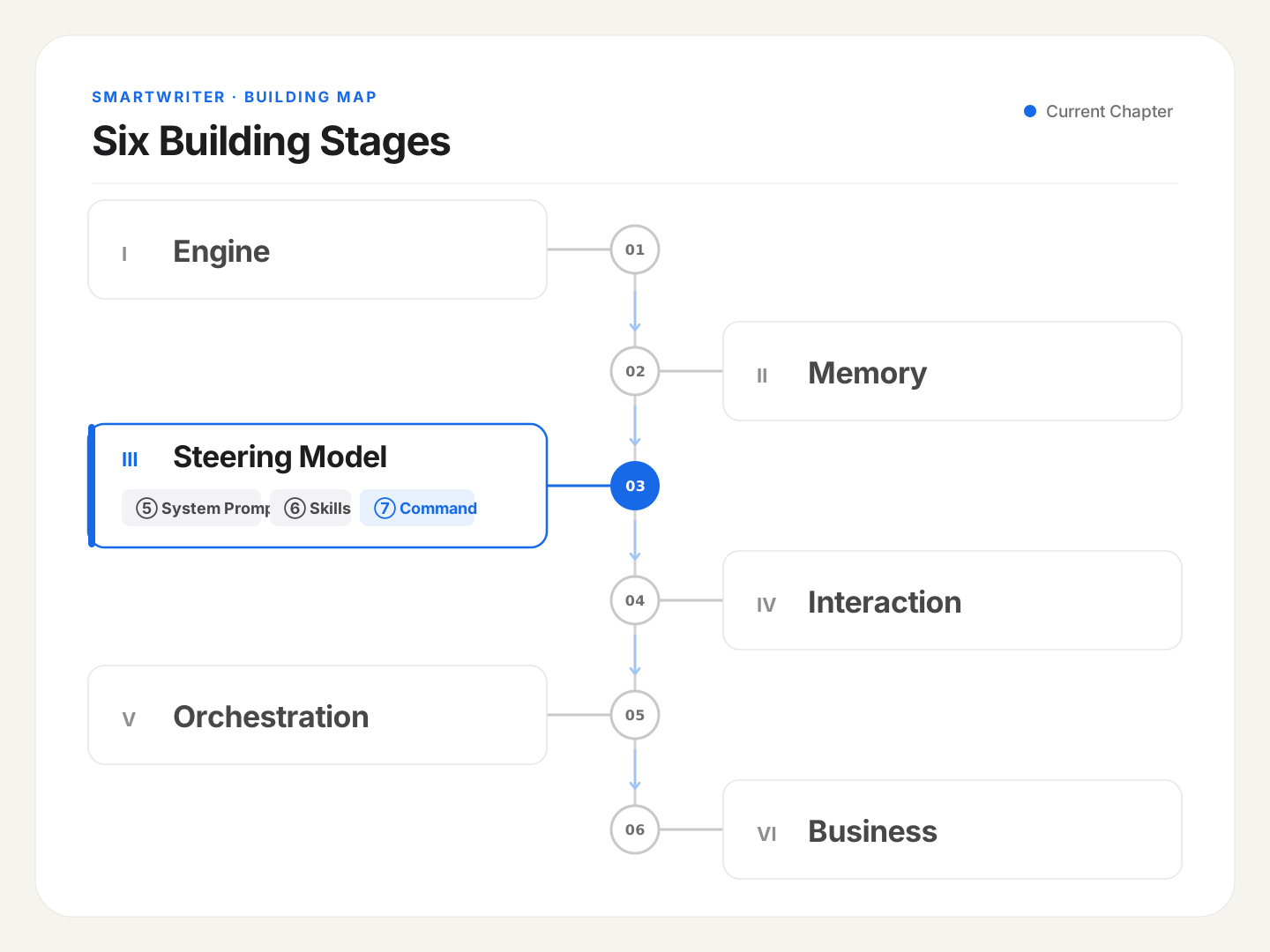
That closes out the "Steering" section — the agent's persona (System Prompt), methodology (Skills), and commands with output contracts (Command) are all in place. It now knows how to think, and how to act.
But notice: all three of these are still confined to "inside the model's head." Actually landing that thinking onto a real file — or even publishing it to an external platform — runs on a different mechanism entirely: tools. Starting next post, we move into a new section, "World Interaction," starting with how I equipped this copilot with tools, and the tension between determinism and letting the model actually think. Let's keep going.